


Brandkit brand: Photography
Generally we don't edit or manipulate photography because we want to portray something authentically and honestly.
However when we create social media images or an Ad, where a logo or text is overlaid we typically want a darker image (for white text) with a "Brandkit" aesthetic using Brandkit purple (#8246af) or for black text using Brandkit Yellow (#ffd100).
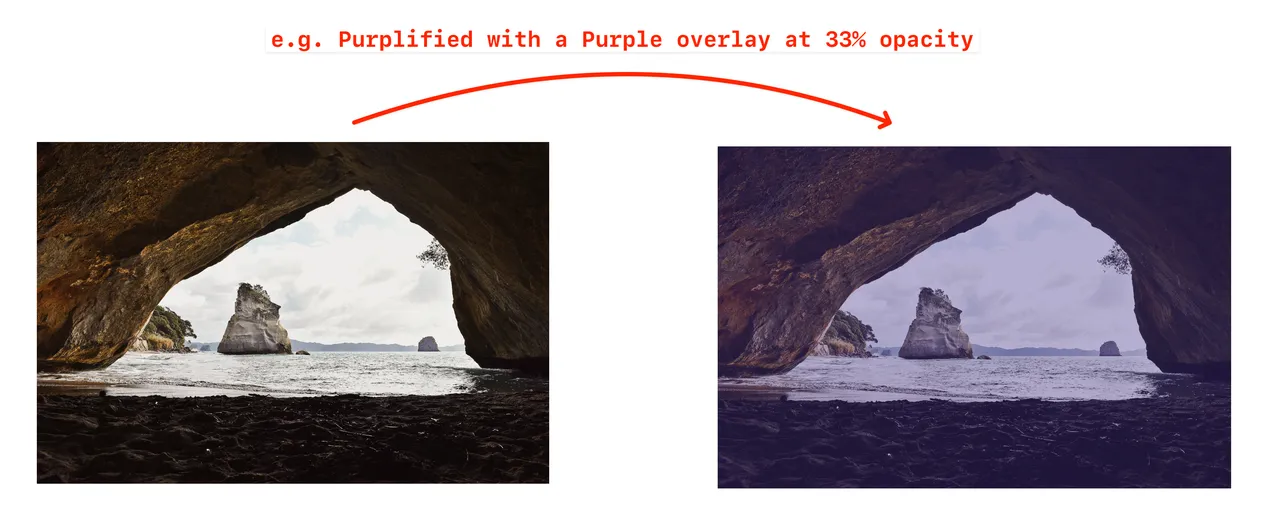
We achieve this by applying a coloured overlay with opacity set between 10% to 33% adjusted by eye to give a subtle yet distinguishable purple or yellow hue/tone to images. It should make the logo or text overlay more legible by providing a bit more contrast.
Adjust as needed for each situation.
Examples:
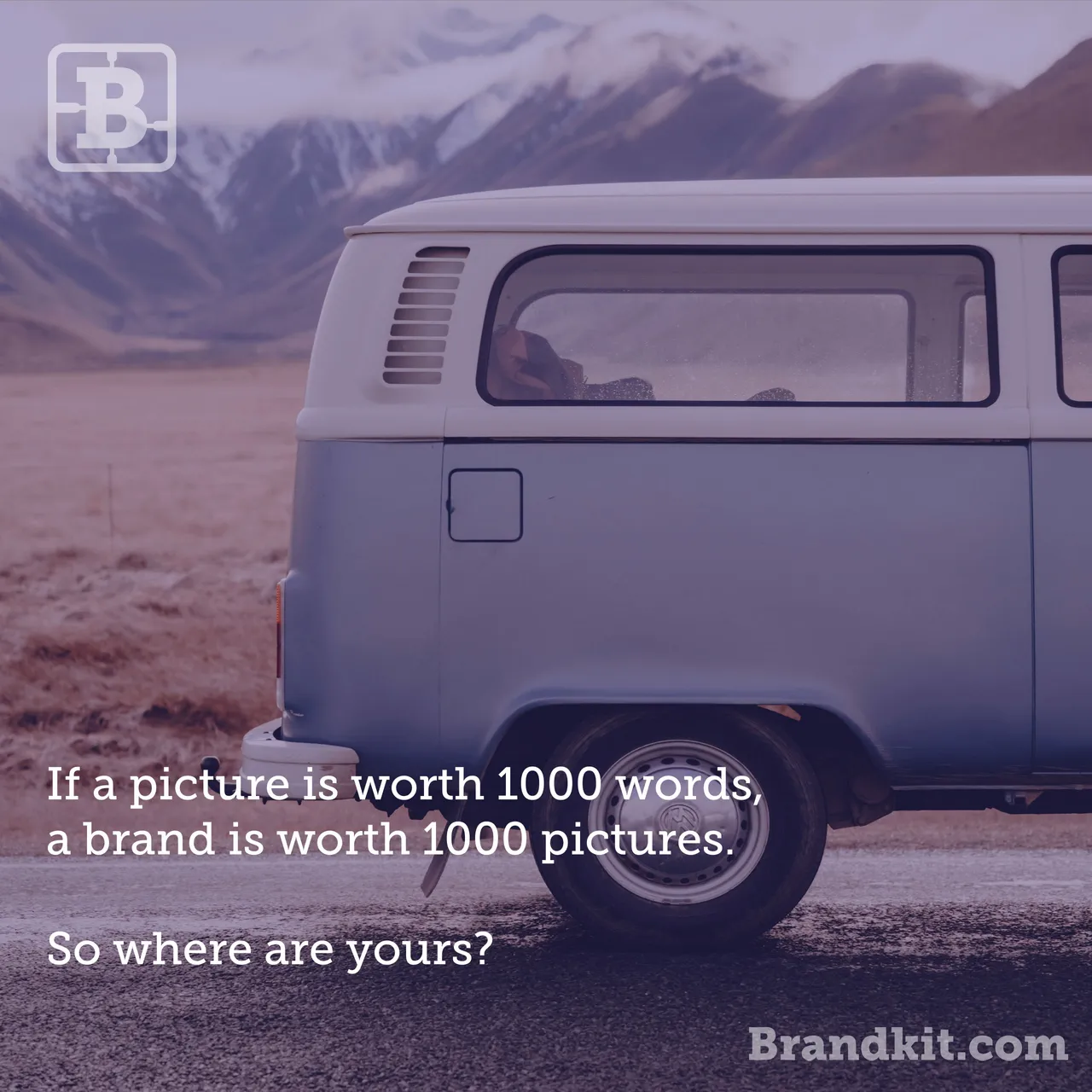
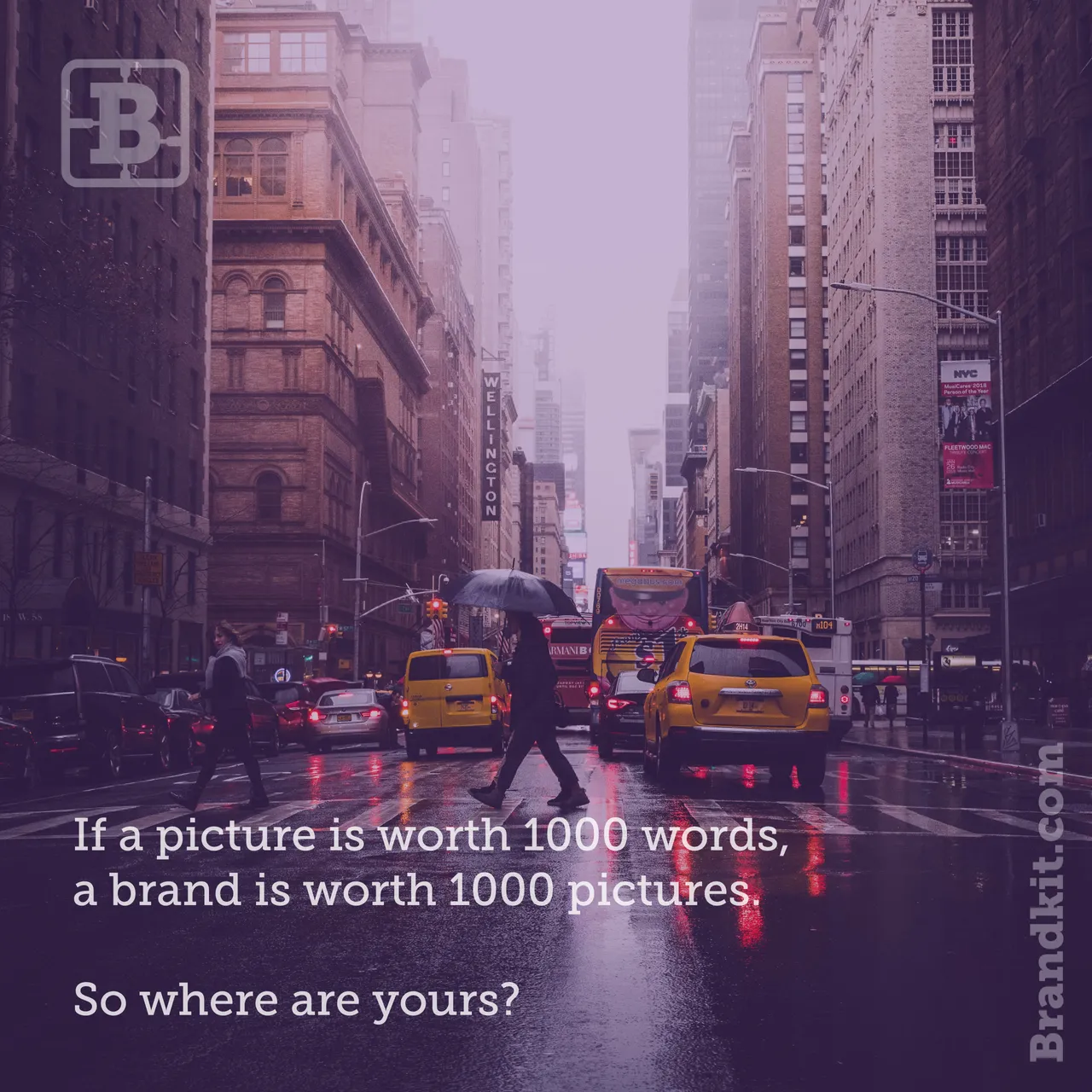
See more Brand Guidelines here.
Brandkit brand: Photography
Generally we don't edit or manipulate photography because we want to portray something authentically and honestly. However for social media or advertising we do allow some editing to achieve a "Brandkit Aesthetic".


