Brandkit - The Brand Toolkit Platform
Quick Walkthrough
Start Tour
Why Brandkit?
How it works
DAM
CMS
Visual Search
AI
AI Chatbot (Brand-bot)
All Features
Use Cases
Customer Case Studies
Integrations
Custom Design
Website Design & Build
Brand Safe™
Single Source of Truth
UGC (User Generated Content)
Everything in one place
What's new?
Brandkit Platform Tour: Knowledge Base
A Knowledge Base for
people and machines
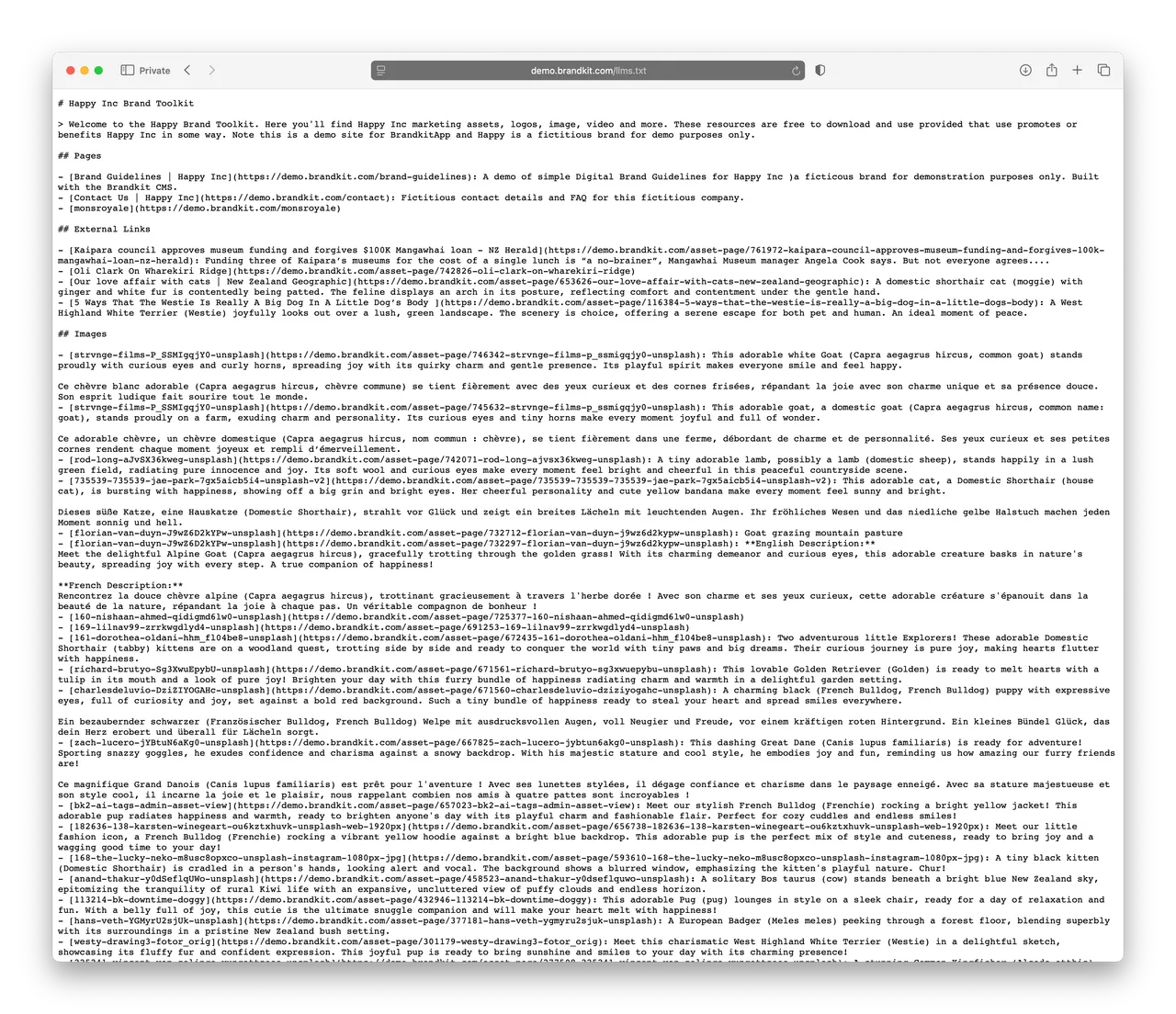
While Brandkit has beautiful visual brand portal built for people, it also automatically generates a consumable knowledge base optimised for AI LLMs, Chatbots and AI Agents.
(Fig: Example of an auto-generated LLMS.txt page)
How to add your knowledge to your Brandkit
To create a knowledge base just use Brandkit as you would normally.
- Upload your media files and digital assets such as images and video to the DAM
- Write Blogs Posts, Presss Releases, Brand Guidelines, and FAQs natively in the Post editor
- Link to external Media
- Embed Youtube Video and Instagram Posts
- Create custom web pages with the built-in Content Management Software (aka CMS software)
Brandkit will then auto generate a sitemap.xml for Search Engines, and LLMS.txt for AI LLM consumption, and LLMS.html to act as a knowledge source for AI Chatbots and Agents - automatically in the background.
For example: Here's a link to the auto generated LLMS.txt for this (the Brandkit.com) website.
Learn more about Knowledge Bases
Additional reading about Knowledge Bases:


