


New Collection Search Filter
In Brandkit you have always been able to save a selection of Assets in your Basket as a Saved Collection, and recall it later from your Me menu, under My collections.
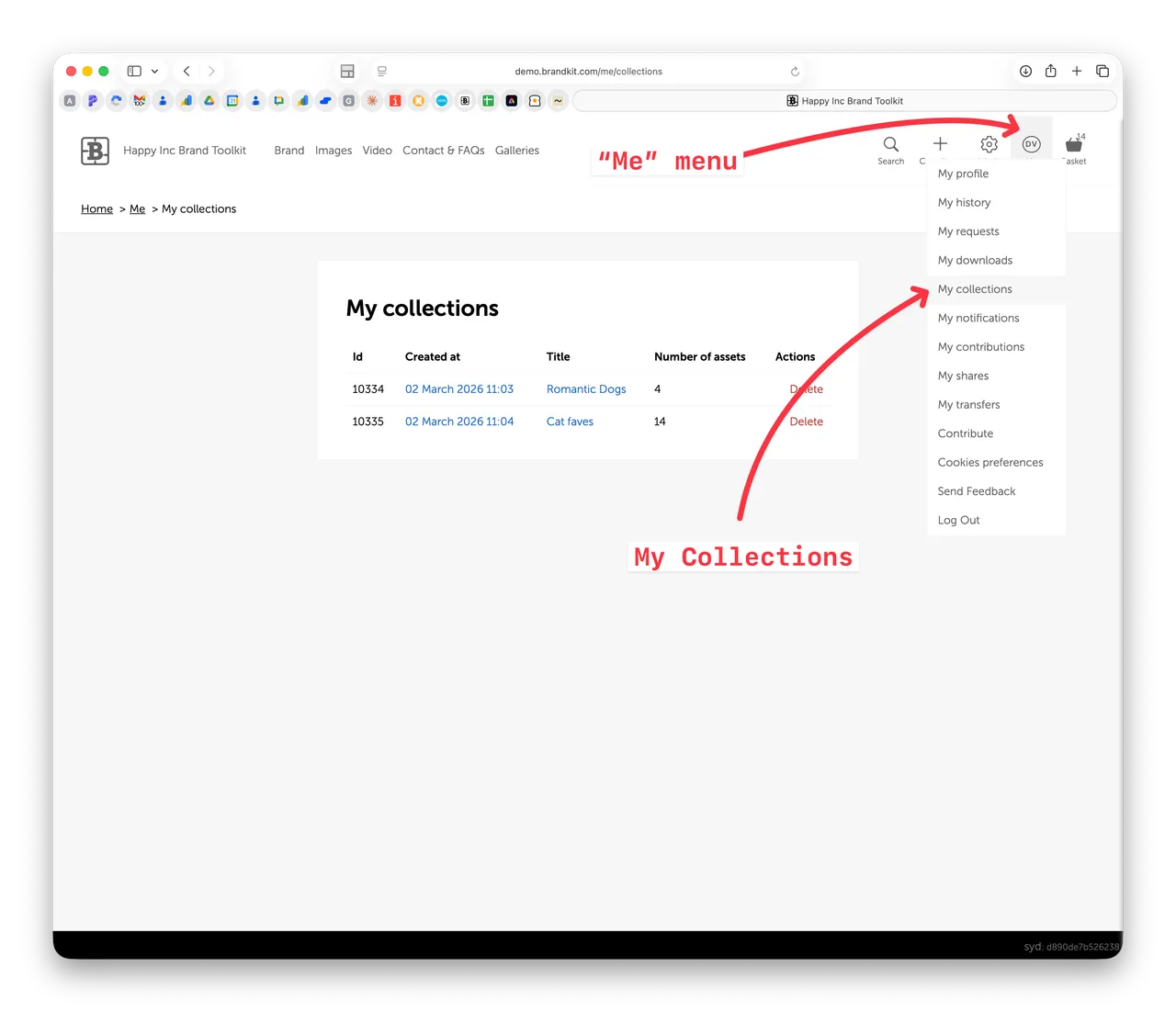
A Collection is essentially an explicit list of Assets that you have selected and saved as a named collection.
You can create a Saved Collection from the Basket's Save action, and you can add individual Assets from the Search Grid as well.
New Collection Search Filter
We've now made a small enhancement to Collections and added a new Filter in the Search Filters in the Search Grid to enable you to find Assets by your Saved Collections.
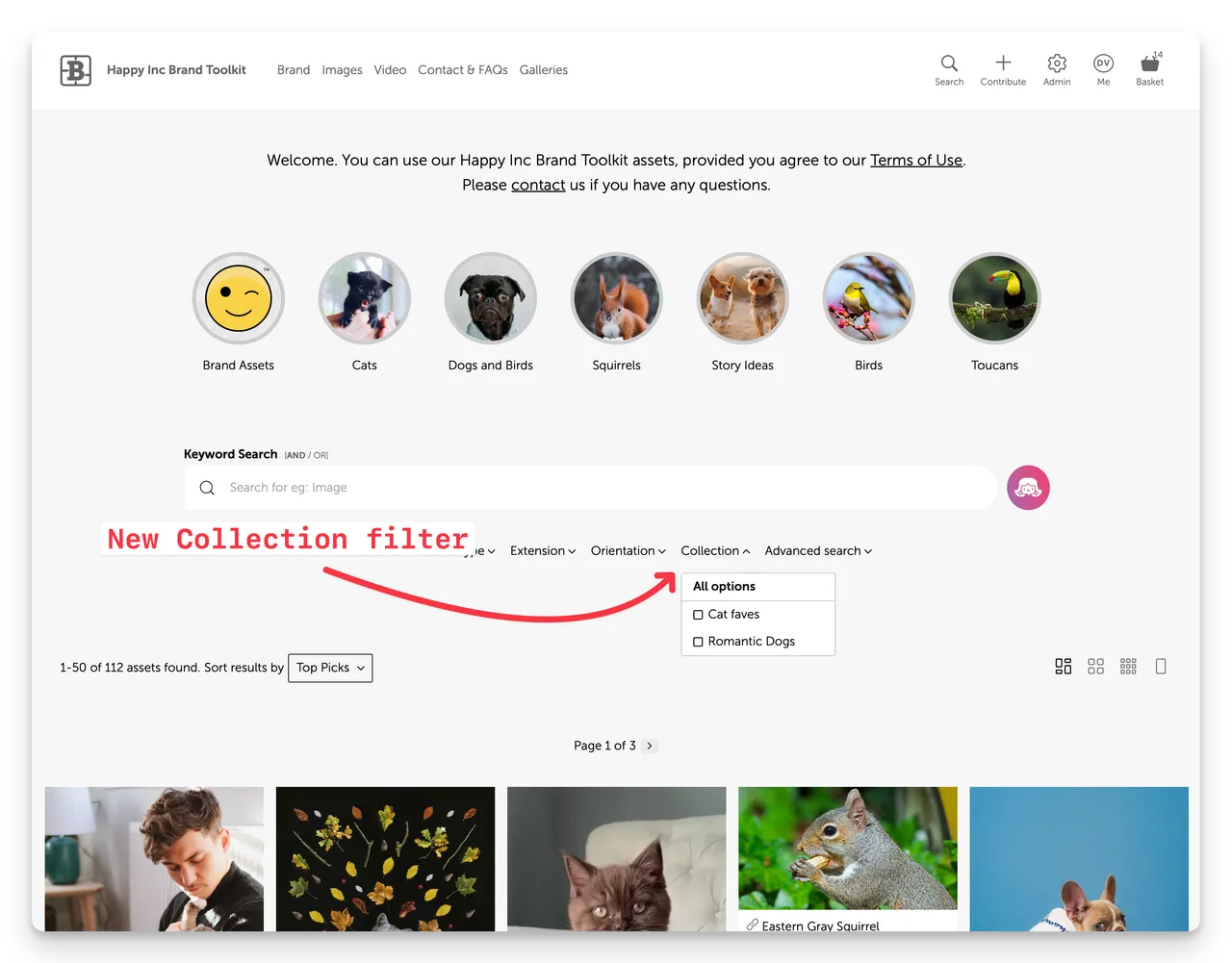
The Collection filter will only be displayed if there are saved Collections available.
It's a nice way to find Assets you've previously selected and saved.
Note that the Collection filter is shown automatically in Admin, but needs to be enabled in the Portal pages.
Helps with creating Galleries from Collections
We've also launched a new Embeddable Galleries feature, and being able to select Assets from a previously saved Collection, makes it easy to add those Assets to a Gallery.
Enjoy :)
New Collection Search Filter
Search for Assets belonging to a previously saved collection is now a thing in Brandkit.


