OM3: Assets

The Assets section is the heart of Brandkit. It’s where you manage your entire brand library — uploading, organising, searching, and controlling what users can see and download.

Click Assets in the left sidebar to open it.

The default view is the Grid.
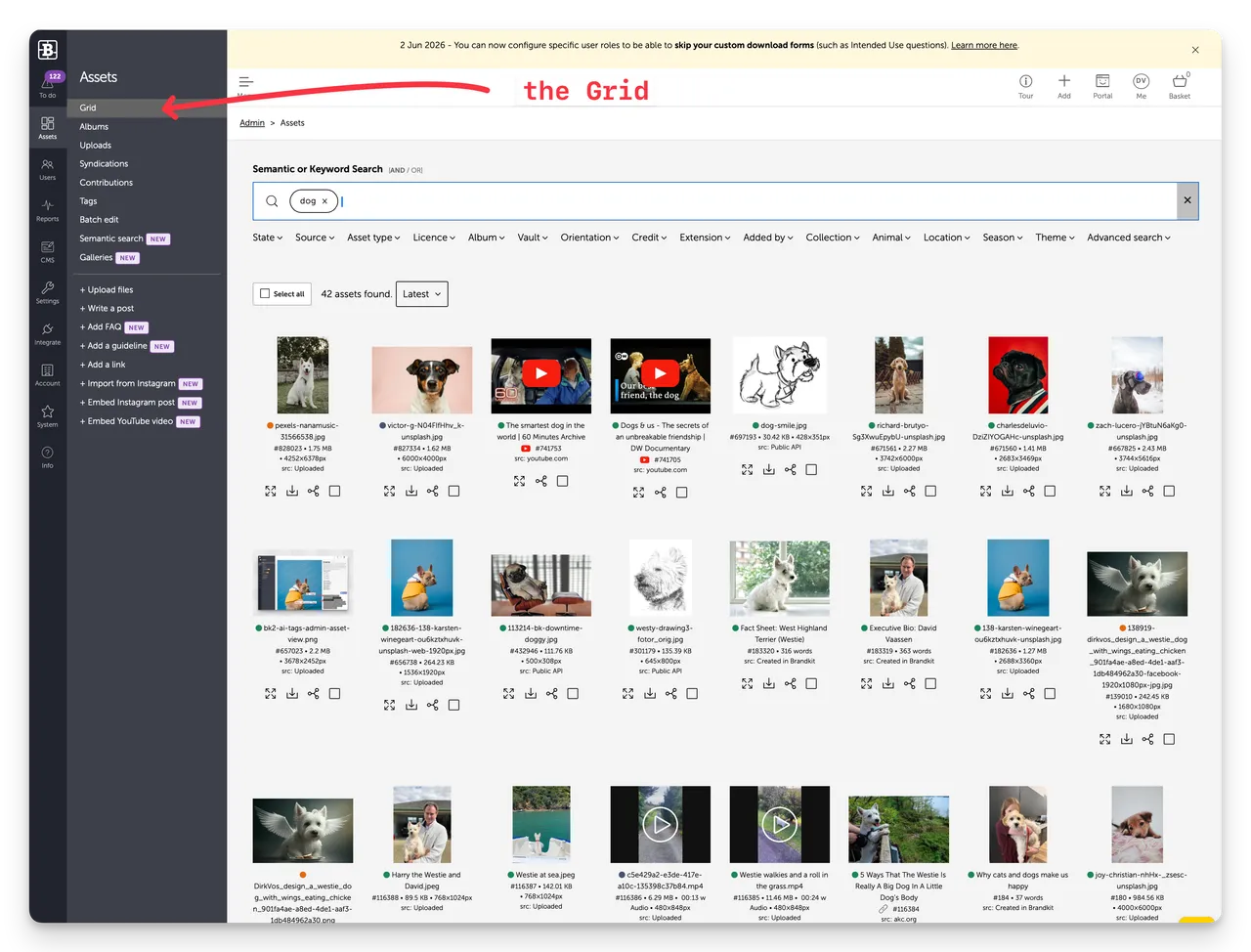
Brandkit Asset Grid@2x
Assets > Grid in Admin

OM3: Assets

The Assets section is the heart of Brandkit. It’s where you manage your entire brand library — uploading, organising, searching, and controlling what users can see and download.

Asset type faq
ID 867461
Word count 50 words

Licence

Licence Worldwide Paid and Unpaid Available to anyone for royalty free use in paid and unpaid media worldwide, provided Brandkit benefits from such use, and Brandkit is credited.
Expiry No expiry date
Release date
Added at
Updated at:

Tags

Loading

GET STARTED TODAY

Your brand deserves
a better home.

Trusted by brands since 1994 - Free trial available.

Book a demo