


OM4: Admin > Users
Overview
The Users section is where you manage everyone who is registered t have access to your Brandkit account. You can invite new users, review download requests, and communicate with your users — all from one place.
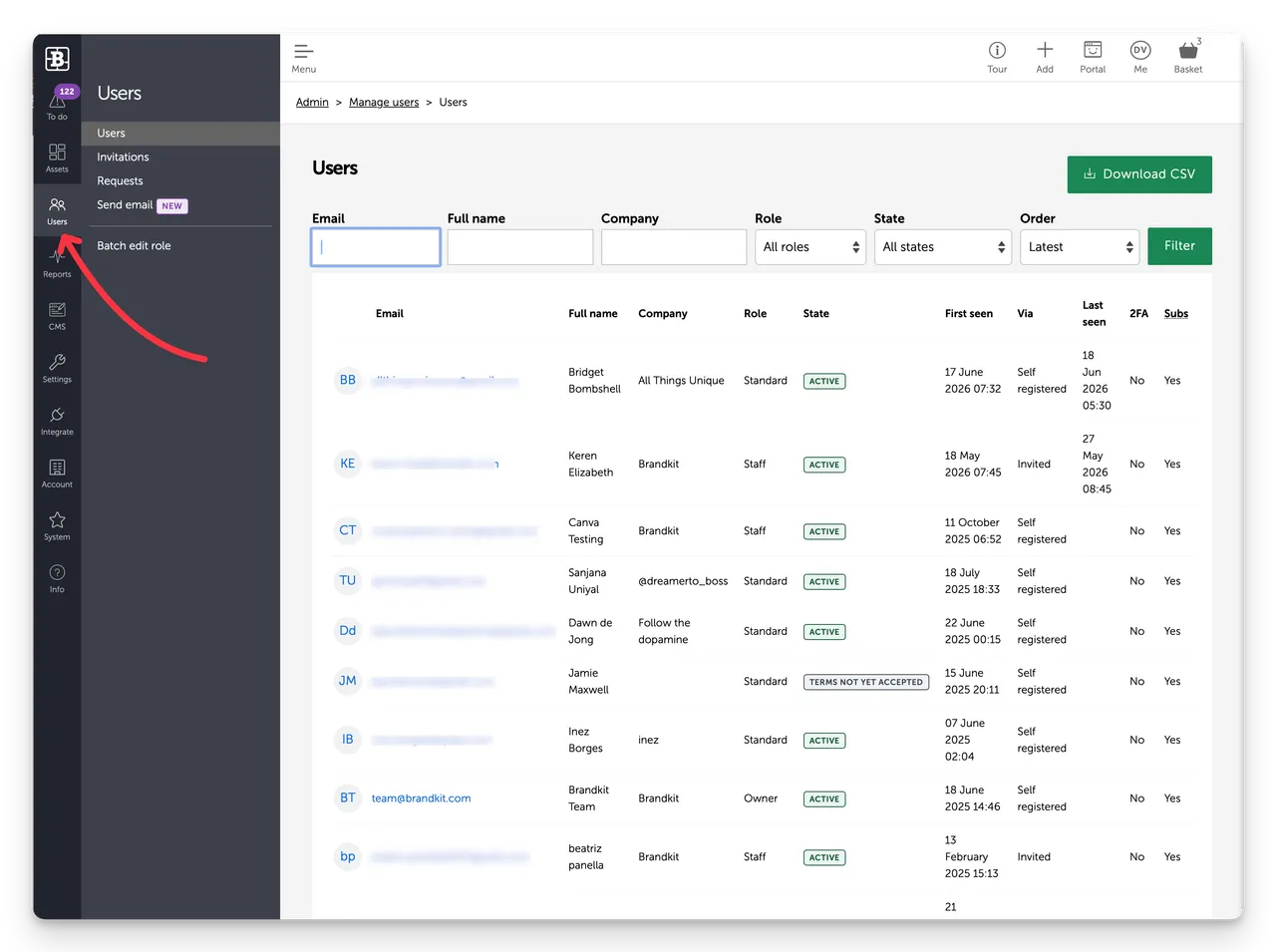
Navigate to Admin > Users in the left sidebar.
Key concepts
User Roles define what each user can see and do on your portal. Roles are configured in Admin > Settings > User roles and assigned when a user is invited or when an Admin manually changes a user's User Role.
User attributes are custom profile fields you can add to user accounts — useful for capturing team, location, or department information. Configure them in Admin > Settings > User attributes.
Authentication controls how users log in — password, SSO, or other methods. Configure in Admin > Settings > User authentication.
OM4: Admin > Users
The Users section is where you manage everyone who is registered t have access to your Brandkit account. You can invite new users, review download requests, and communicate with your users — all from one place.


