


Albums are now Collections
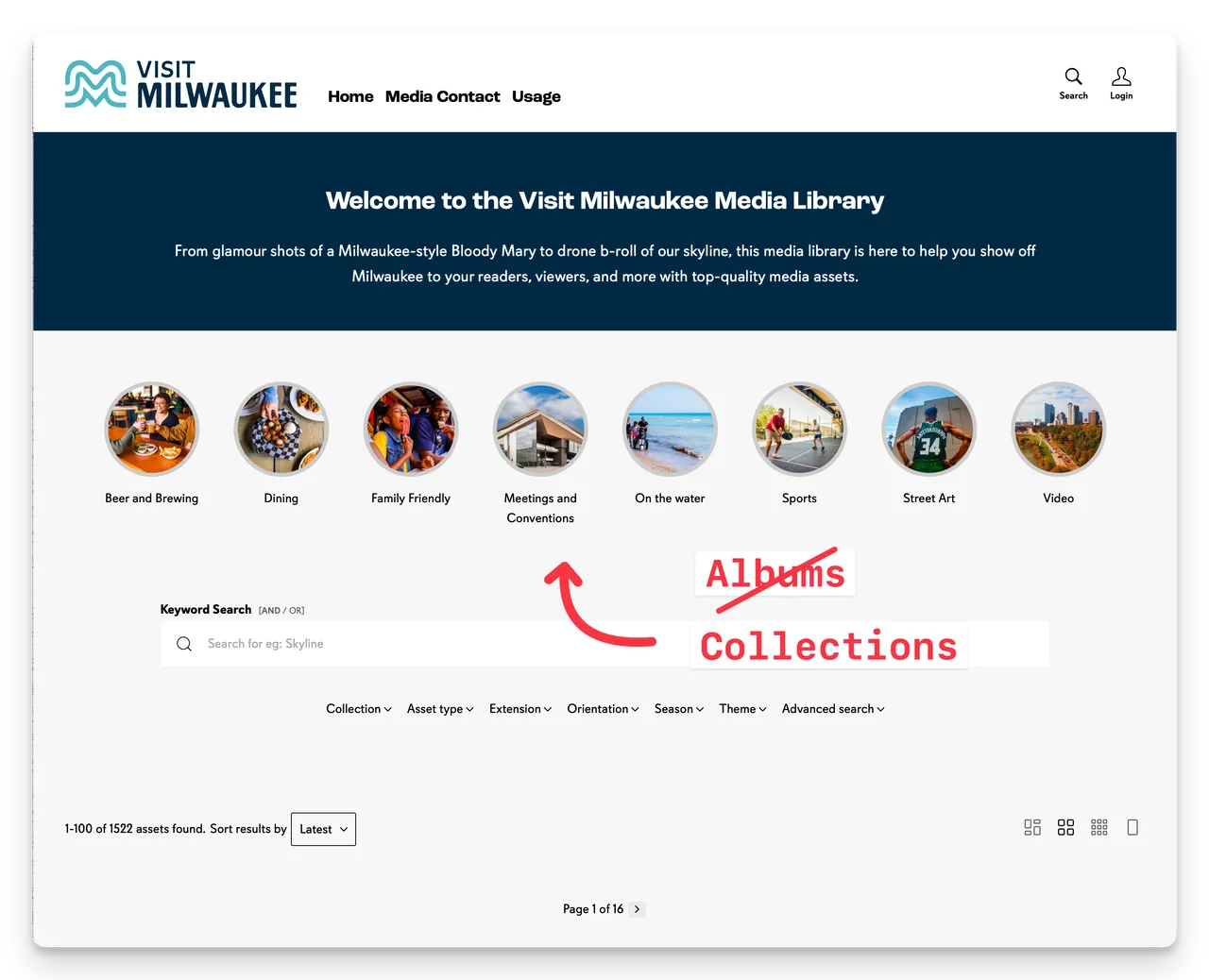
We've changed the name of Albums to Collections.
You'll see this in the Admin and CMS areas.
Why the change?
We are making some improvements to Albums/Collections and the naming change made sense in the light of those changes and is more semantically correct.
You can now create Collections from either a saved Search Query, or an explicitly selected list of Assets.
This is useful when you want to create a collection of explicitly selected Assets.
2 types of Collections
When creating a new collection from the Collections page Admin > Assets > Collections > New Collection, you can now choose between two types of Collections (previously Albums):
- Selected - a list of explicitly selected Assets
- Query - a saved Search Query (e.g. Tag: Waterfall)
The Selected option is new.
If you choose the Selected type, you will then need to select individual Assets to include in the collection. Once created, click the Manage Assets link to select the Assets for the collection.
- Admin > Assets > Collections
- New Collection
- Selected
- Optionally add a Description
- Add a Cover
- Manage Assets > Select Assets
- Approve
- Save
Creating collections from the Basket
You have always been able to save Assets selected in the Basket as a Saved Collection. You can save as a new Collection or add to an existing collection from the Basket Save button.
These saved collections have always been private to the user who created them and available from the Me > My Collections menu.
But now you can save these collections as Shared Collections or adding them to an existing Shared Collection. Shared Collections can then be used in account wide Collections - in the Collections tool.
This makes it super easy to create Collections (previously Albums) from a batch of selected Assets in the Basket.
Happy branding :)
Update: Albums are now Collections
We've changed the name of Albums to Collections. You'll see this in the Admin and CMS areas.


