OM3: Admin > Assets
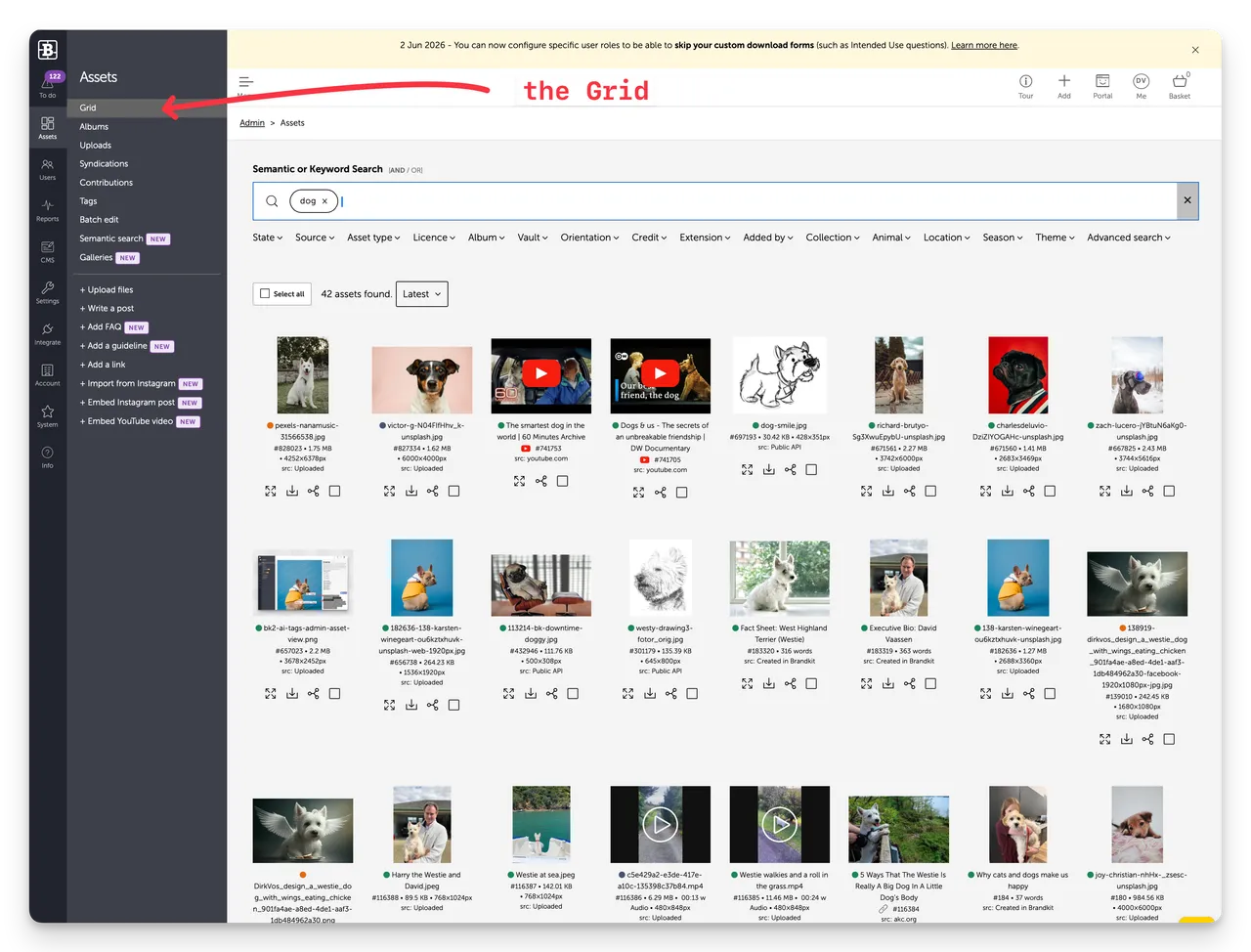
The Assets section is the heart of Brandkit. It's where you manage your entire brand library — uploading, organising, searching, and controlling what users can see and download.
Click Assets in the left sidebar to open it.
The default view is the Grid.
OM3: Admin > Assets
The Assets section is the heart of Brandkit. It’s where you manage your entire brand library — uploading, organising, searching, and controlling what users can see and download.