


Does Brandkit support Captcha defences on user registrations?
Yes.
You can set Google reCaptcha or hCaptcha for the User Registration page to protect against bots registering user accounts.
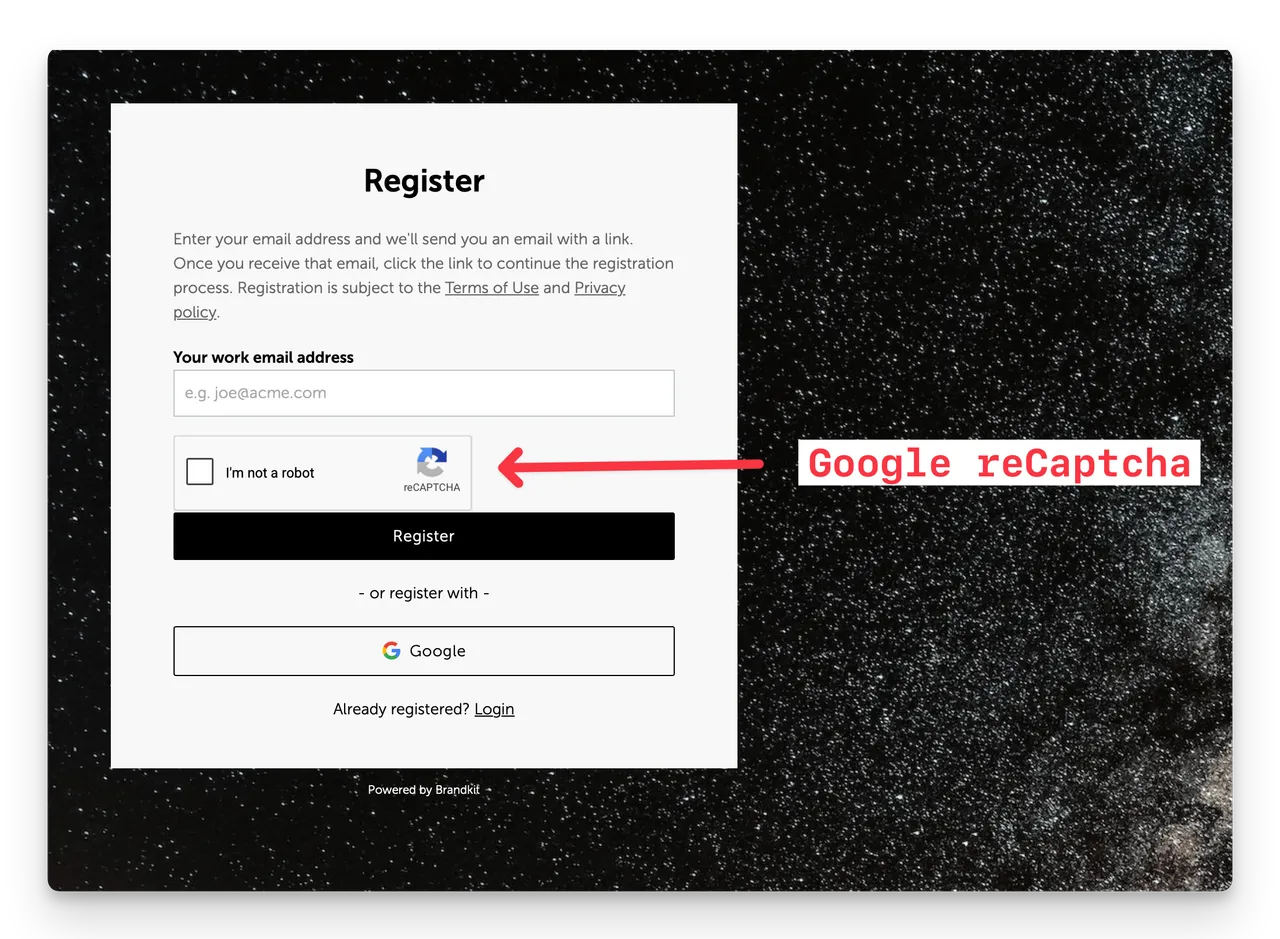
We offer either Google's reCaptcha services or hCaptcha. However,we recommend hCaptcha in most cases becauseGoogle's reCaptcha is not usable in China.
Do I need a Captcha?
If you allow users to self-register (common for Pro and Enterprise Editions), you should always have a Captcha in place.
If you're on Team edition where self-registration is not available or your Pro/Enterprise edition account is configured with no self-registration (is invite only), a Captcha is not needed.
How to set up
You can find Captcha settings in Admin > Settings > User Authentication.
reCaptcha
You have selected Google reCAPTCHA as your captcha provider.
Steps to set up:
- Go to https://www.google.com/recaptcha/admin/create
- Select Challenge(v2) - "I'm not a robot" tickbox.
- Add all the domains for your application and submit.
- Copy the generated Site Key and Secret Key to the inputs on the User Authentication settings page in Brandkit.
- Click the Enable Captcha checkbox.
- Scroll down to the bottom of the page and click Save.
hCaptcha
- Sign up or log in to the hCaptcha dashboard - the link is provided on the User Authentication settings page.
- Go to the Sites tab in the hCaptcha dashboard and create a new site key and copy it in the input below.
- Go to the Settings tab in the dashboard and generate your secret key by clicking Generate New Secret and copy it in the input below.
- Click the Enable Captcha checkbox.
- Scroll down to the bottom of the page and click Save.
Note: You can only choose one option here: None, reCaptcha or hCaptcha. Choose wisely.
Does Brandkit support Captcha defences on user registrations?
Yes. Brandkit supports adding a Captcha including Google reCaptcha or hCaptcha options for the User Registration page to protect against bots registering User Accounts.


